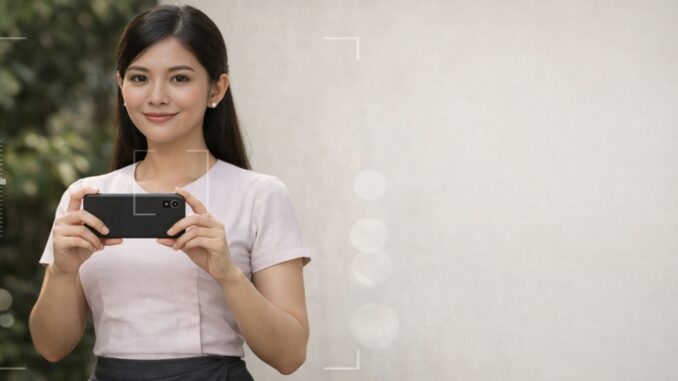
You don’t need expensive cameras to take clean, elegant photos in a Myanmar traditional outfit. With the right phone settings and simple lighting, your longyi/htamein photos can look neat, modest, and “premium” without heavy editing.
Quick Setup (30 Seconds)
- Clean the camera lens (this alone improves quality).
- Turn on grid lines (for straight framing).
- Choose shade or window light (avoid harsh sun).
Best Phone Camera Settings (Simple & Safe)
1) Turn on the Grid
Grid helps you keep your body straight and the background aligned (walls, doors, horizon). It instantly looks more professional.
2) Use 2x Lens (If You Have It)
If your phone has 2x (telephoto), step back slightly and use 2x. It gives cleaner proportions and makes the outfit look more natural.
3) Tap to Focus on the Face
Tap your face on the screen to focus. Then adjust exposure slightly (see next tip).
4) Lower Exposure a Little
After tapping to focus, slide exposure slightly down (a small amount). This helps avoid washed-out skin and keeps outfit colors clean.
5) HDR: Use Carefully
HDR can help in bright scenes, but sometimes it makes colors look unnatural. If HDR makes the photo “too sharp” or strange, turn it off for traditional outfit photos.
6) Portrait Mode: Use Only If Background Is Messy
Portrait mode can make the background cleaner, but it can also blur the outfit edges. If the longyi/htamein edge looks blurry, switch back to normal photo mode.
[[IMAGE: Example photo – portrait vs normal (optional)]]
Lighting Tips (The Biggest Difference)
Best: Shade Outdoors
Shade gives soft light and clean skin tone. Stand near a wall or under a tree shade (not direct sun).
Best: Window Light Indoors
Stand near a window and face the light slightly (not directly). This creates soft shadows and a calm, modest vibe.
Avoid: Harsh Midday Sun
Direct midday sun creates strong shadows on the face and makes outfit colors look too harsh.
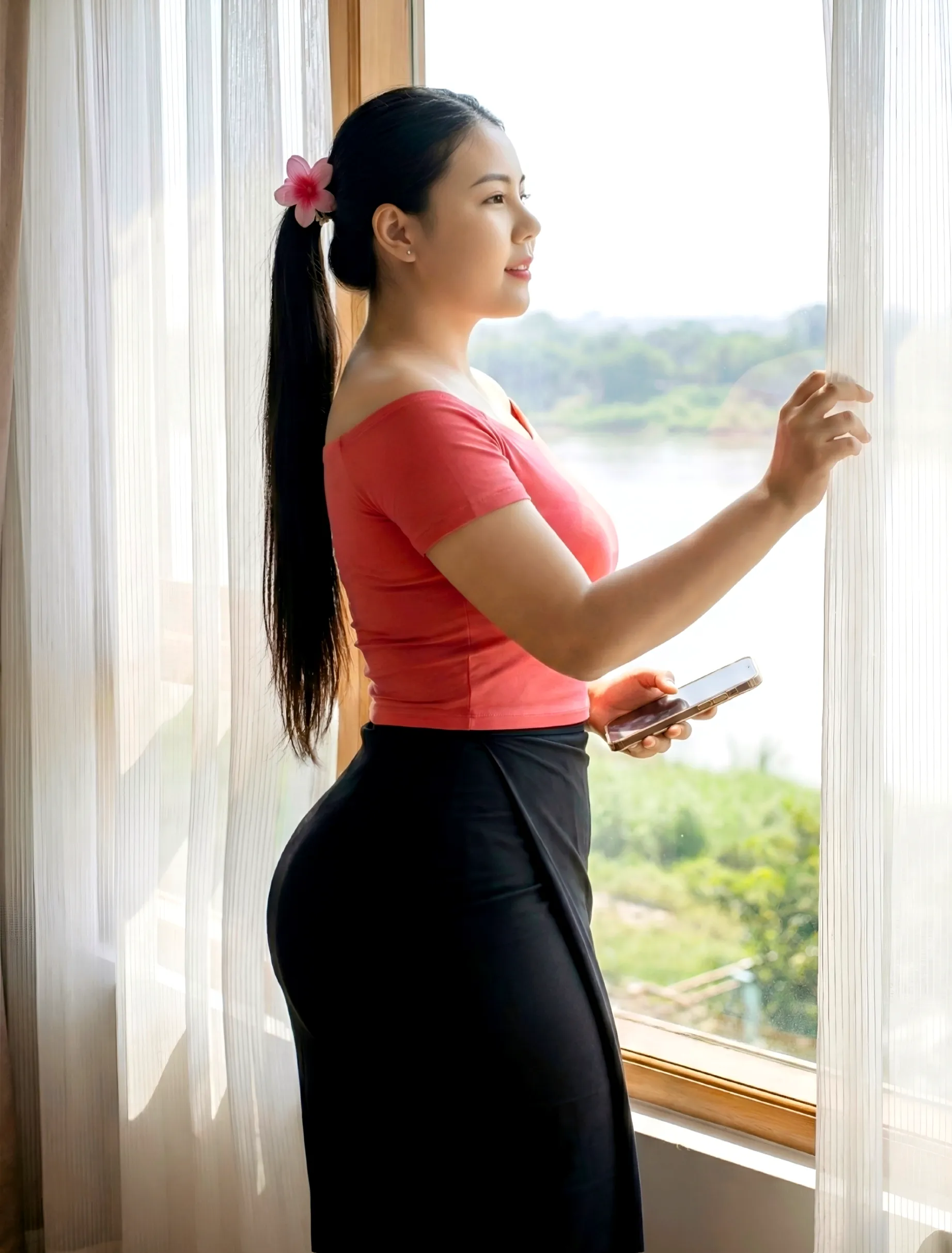
Framing Rules for Traditional Outfit Photos
- Leave space: Don’t shoot too close. Leave a little space above the head and around the sides.
- Full body or 3/4 body: Both work well for longyi/htamein photos.
- Clean background: wall, doorway, greenery, or simple walkway.
Fast “No Editing” Routine (Do This Every Time)
- Clean lens.
- Shade/window light.
- Grid on.
- Tap face to focus.
- Lower exposure slightly.
- Take 3 shots (small changes in chin and hands).
FAQ
Why do my photos look blurry?
Most common reasons: dirty lens, low light (indoors), or the phone is shaking. Use better light (window/shade) and hold the phone steady.
Should I use filters?
For a clean, modest traditional look, avoid heavy filters. Good light + correct exposure is usually enough.
What is the easiest setup for beginners?
Stand in shade, use grid, tap to focus on face, lower exposure slightly, and take 3 shots.
Next Guides You’ll Like
- Best Outdoor Locations for Traditional Outfit Photos
- Clean Background Ideas (simple places that look premium)
- Modest Poses (standing + sitting + walking)
End note: Good light + simple settings beat heavy editing. Save this checklist and reuse it every time.
